Doesn’t mean you should. I got a hard lesson on that today due to a lot of factors.
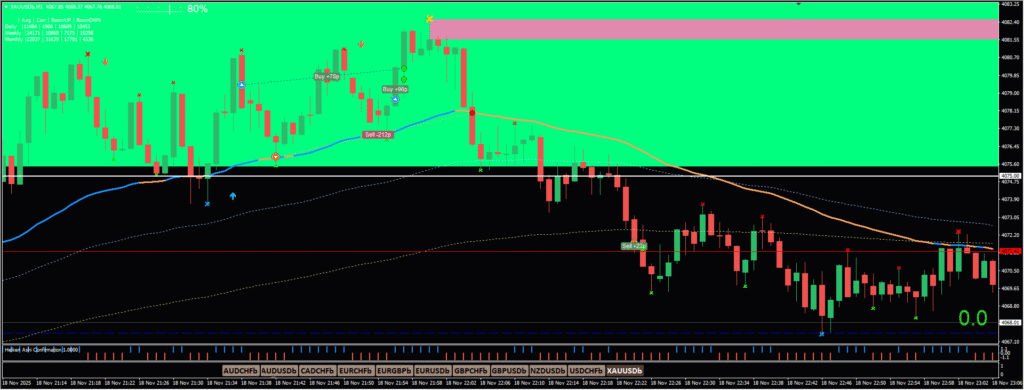
Today I was on the road driving. I took a buy which immediately went against me. Rules were there. It was above – etc – etc – but I didn’t see the zone that it had entered. I was trading from my phone.
I attempted to hedge the position with a sell – then took another buy when I realized it was going against me – then closed the two buys in profit and waited note the moves that then took place. I was actually stopped out due to margin call.
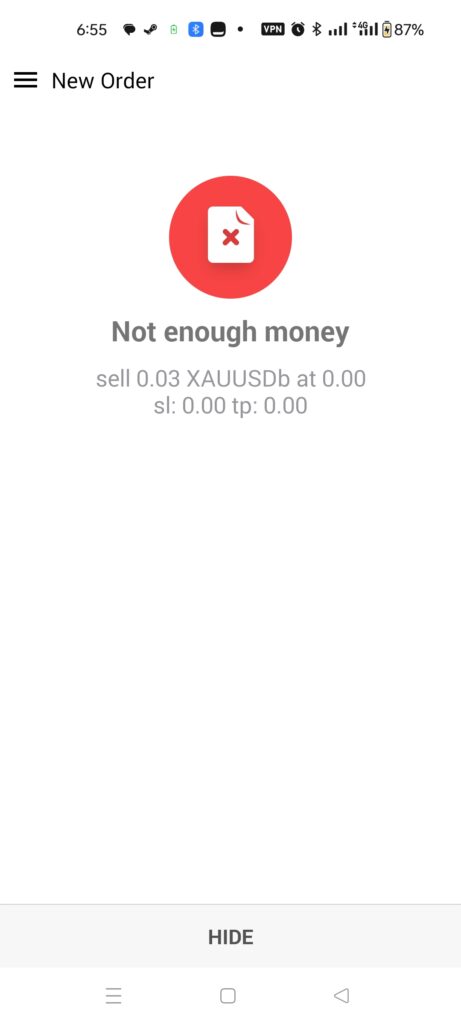
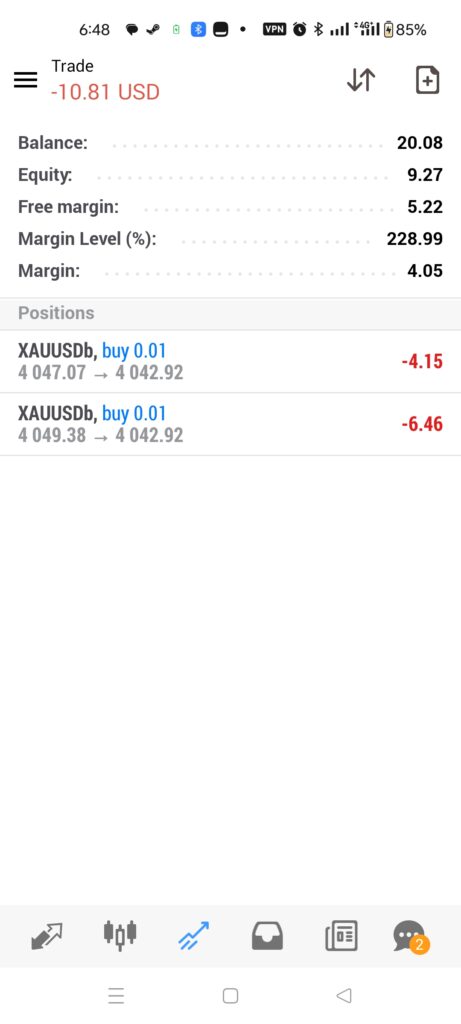
By the time I realized things were not going my way – I couldn’t open anything else. Not enough money. But note the way the trades went thereafter. The two buys closed in profit and the sell I opened – couldn’t manage.
I added back cash to the account ($10 top-up) and made an attempt to do something else. That didn’t work out either. I had a weird thing take place where I closed the position in profit – by a little – but copying to the larger account I have – that closed in loss. Which is weird.
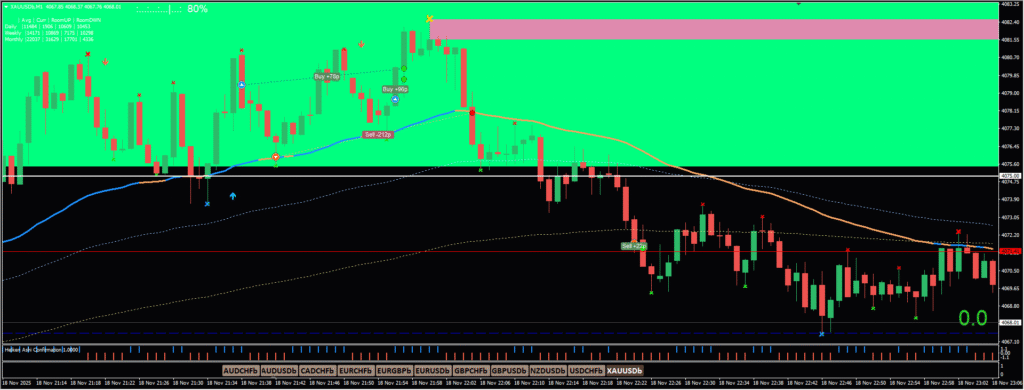
Now – I had problems with data while driving. I also had problems with data when not driving. The networks seemed to be giving some issues today and my Starlink was sent on the road with persons for relief purposes – so I have no stable internet.
What this says for me is – don’t trade from the phone. Just because I can’t doesn’t mean I should. I don’t know if I should say I made a bad call – the positions are there and the directions are right. But the account is just too small to handle the drawdown before moving in the right direction. I’ll have to be FAR more careful – and the only way to do that is to trade from my desktop or laptop ONLY for now. When the account grows enough that I can handle some amount of drawdown – then I can leave some stuff running.
Just because you can trade from your phone – do analysis – do everything – doesn’t mean you should. Some indicators, multi-timeframe view, or other items that would help make better decisions may not be available.
I’m not 100% sure about persons that use TradingView – the platform seems to allow you to see the same things on the mobile as when you’re on the desktop/laptop. My issue is the fact that you have to pay quite a bit to get those functions/features. The free version of TradingView only allows 2 or 3 indicators – which is not enough for me. I need a bit more to see all the zones and levels on my chart. If there was a way to do that free then I’d think about it – but for now, I’ll have to stick to just the charts on my desktop or laptop.
Leave a Reply